Pong
A downloadable game for Windows and Linux
This game was made for a challenge.
The theme was "The Machine Dreams" and there was 4 days of time to make it.
About
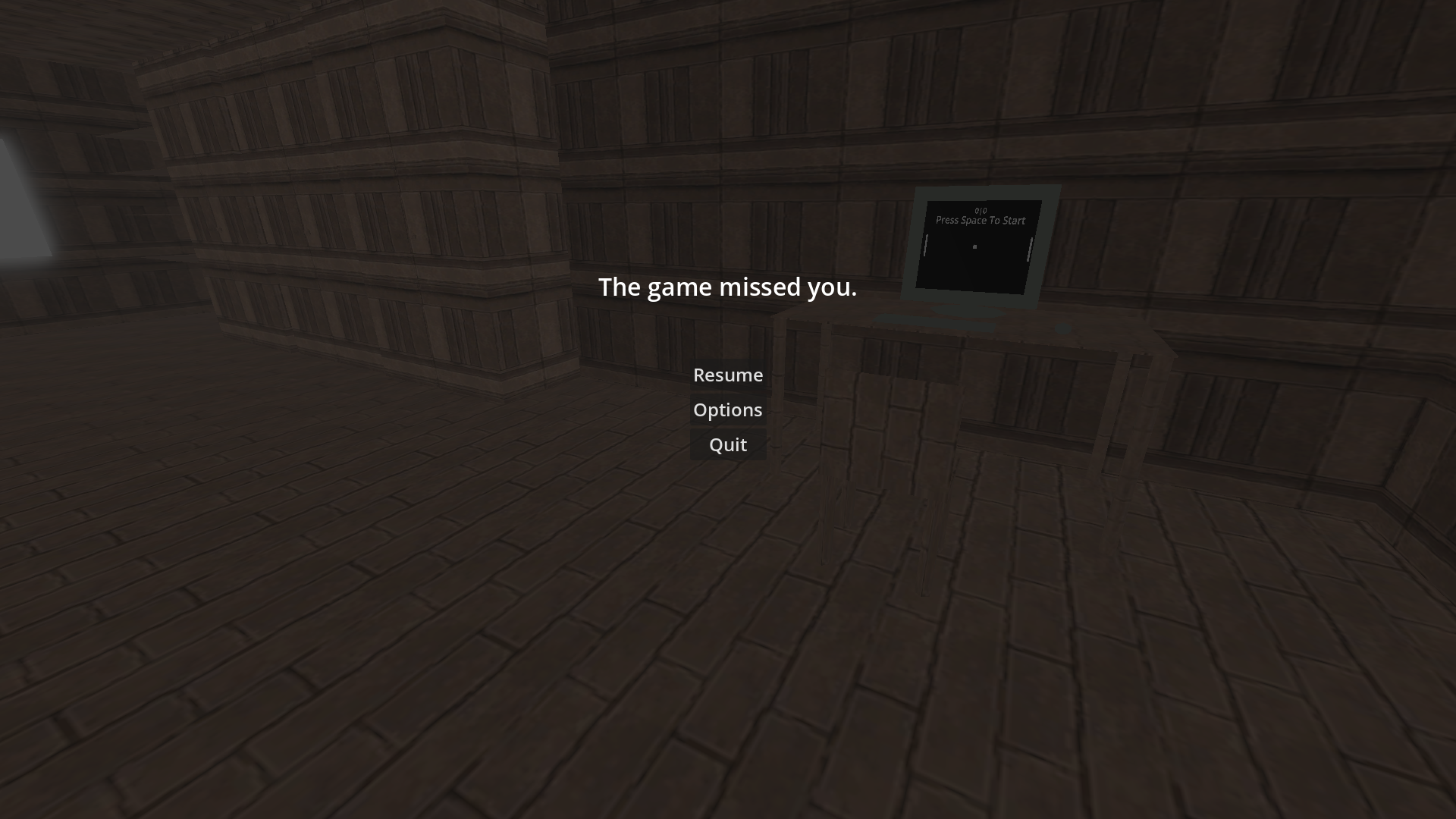
It's kind of hard to describe the game without giving spoilers.
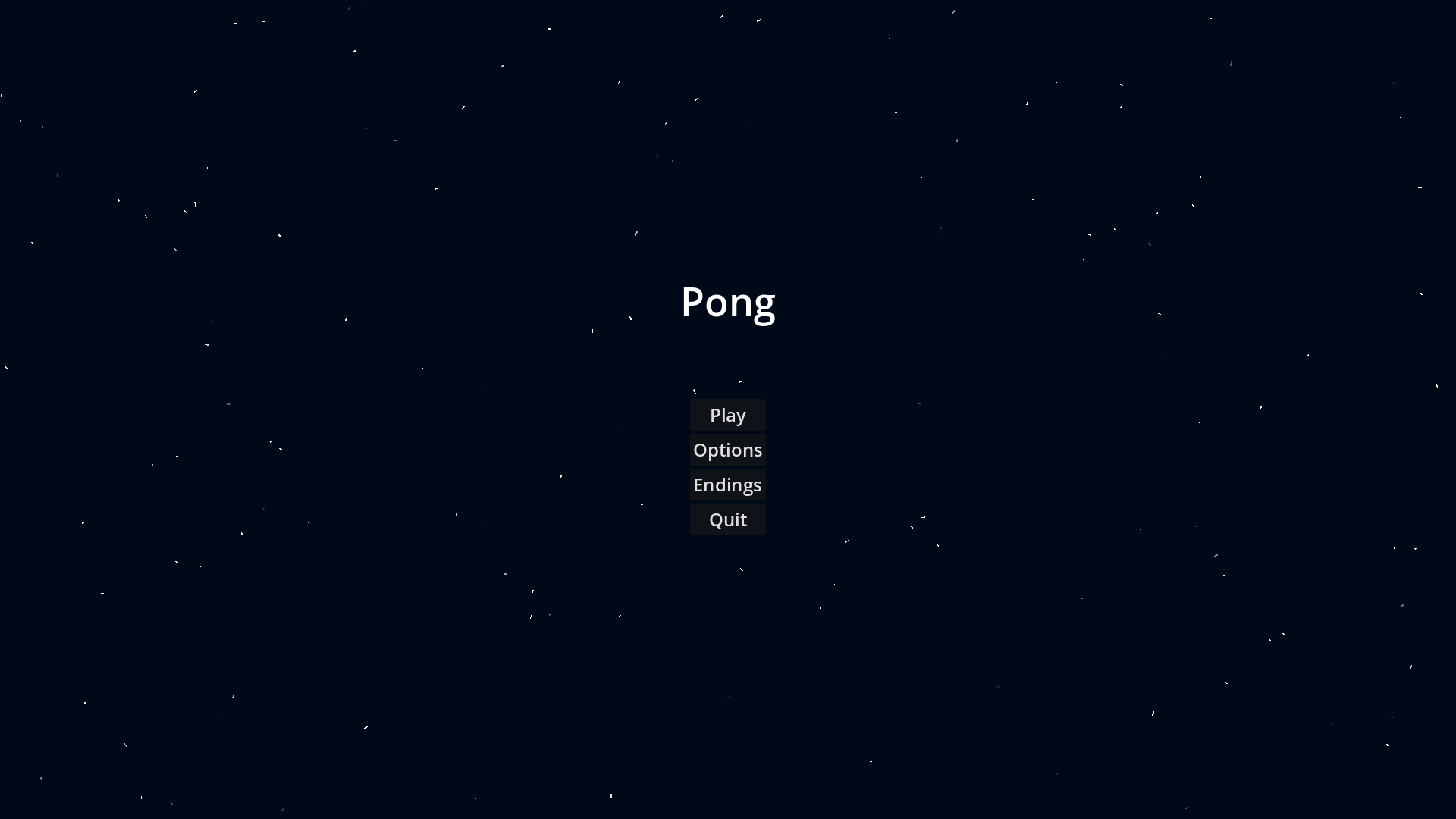
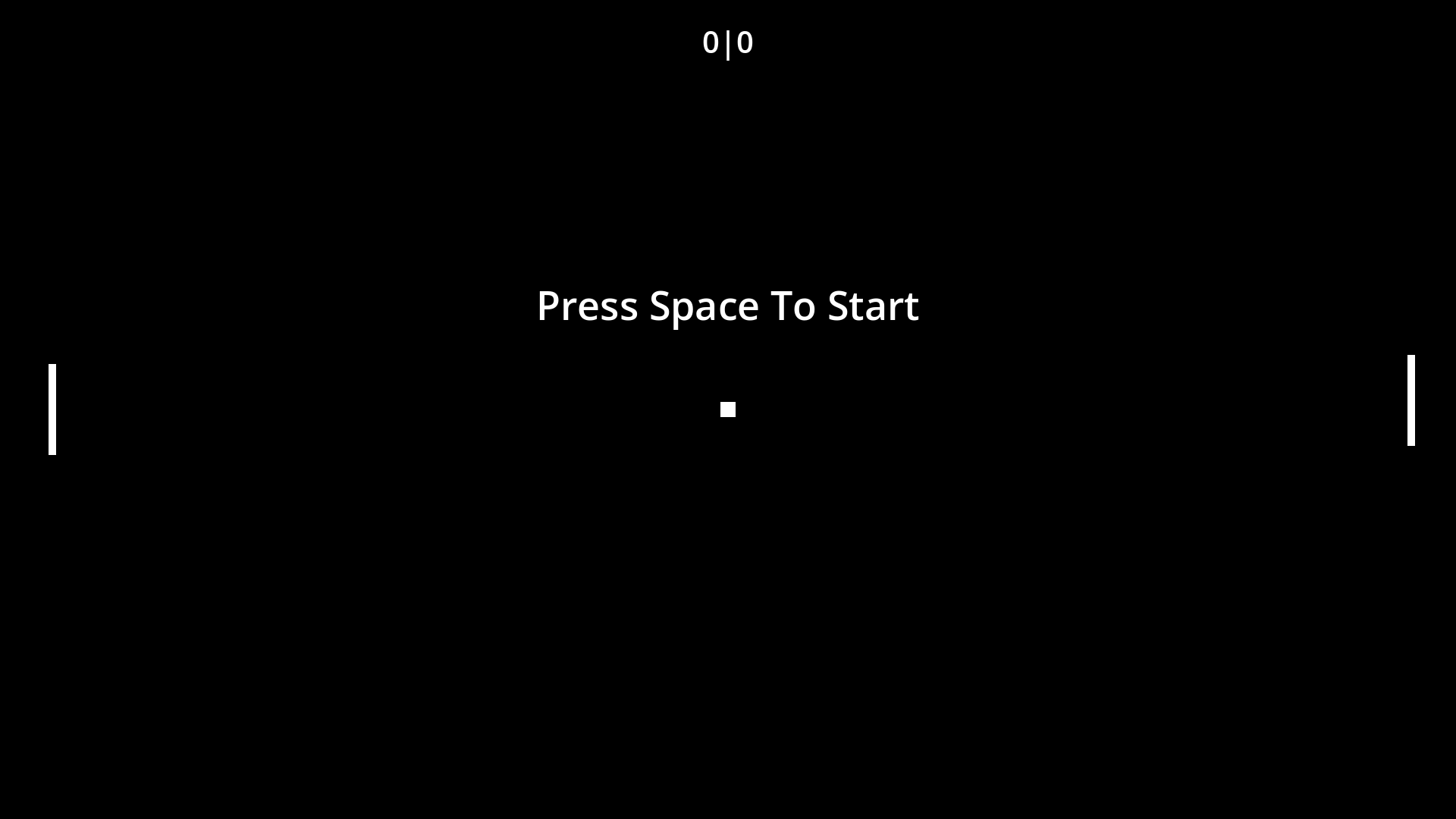
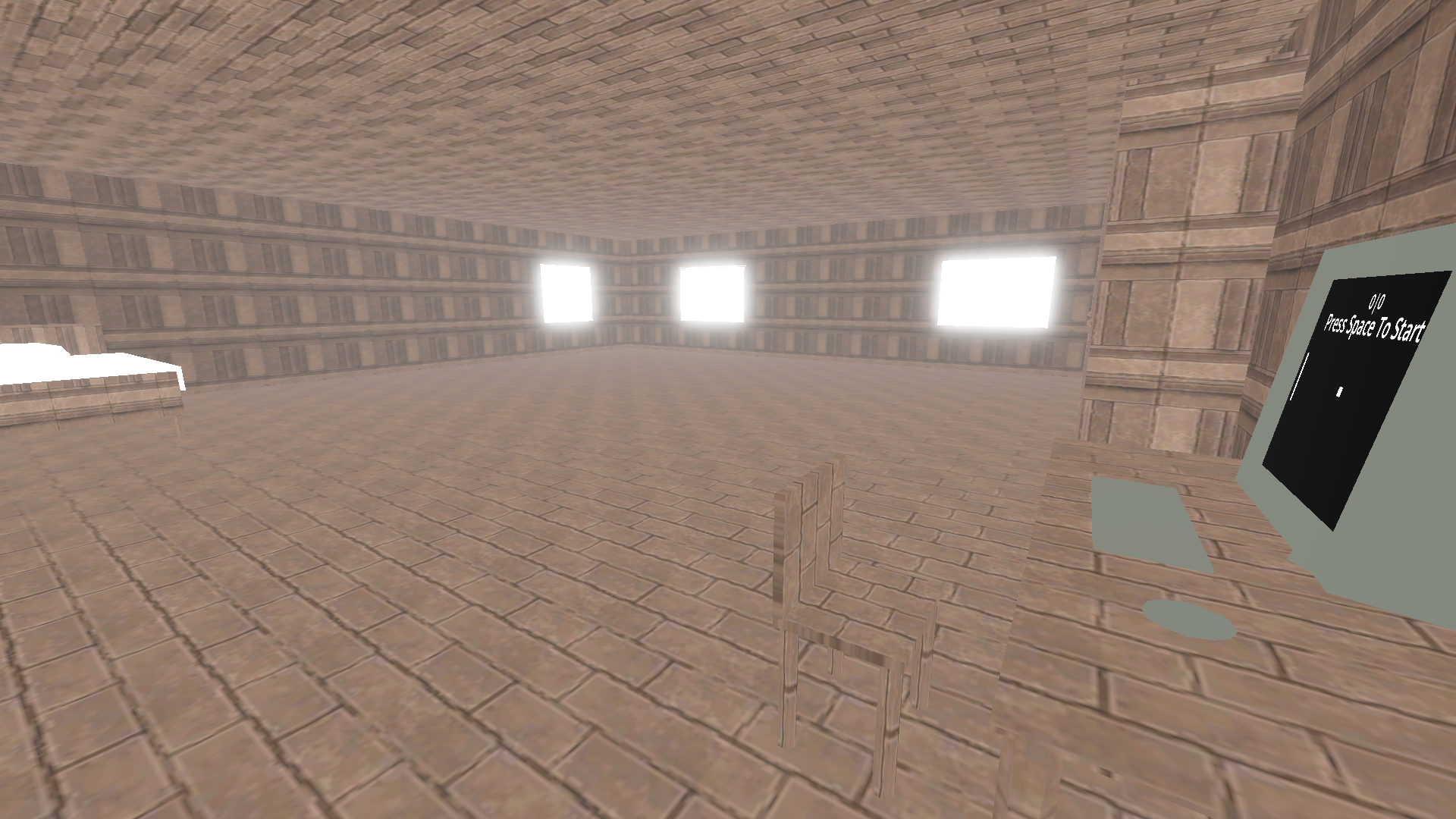
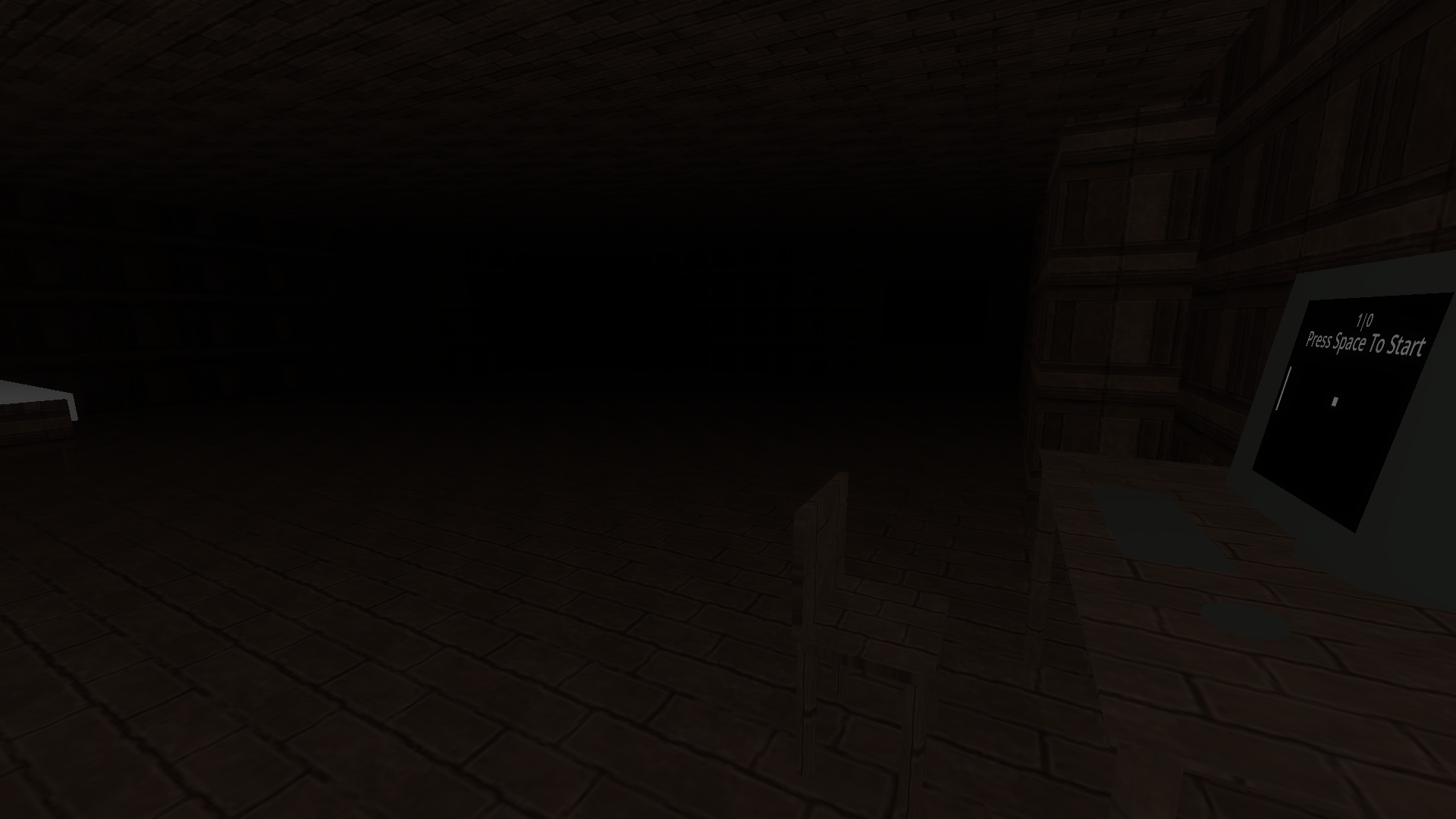
You play pong for days, but something's off. The Pong AI is really difficult to beat and you struggle for days. The AI is getting tired, but hold on. What's happening?
Endings
This game has 2 distinct endings. One is the normal ending and the other is an Easter egg of sorts.
Controls
WASD to move.
Mouse to look around.
E to interact.
(E or Esc to exit the monitor.)
Optionally you can also use:
Space to jump.
Shift to run.
Ctrl to sneak.
F1 to hide the HUD (tooltips, hints and titles).
Content
Content possibly coming or not.
Planned:
Short showcase and playthrough (both endings)
(Game creation process video for general audience.)
Download
Install instructions
Windows
Note! Windows executable is untested, but should work.
1. Download the pong_1.0_windows.zip
2. Extract it
3. Double click the Pong.exe
Linux
1. Download the pong_1.0_linux.tar.xz
2. Extract it
3. Most of the times you should be able to just double click the Pong.x86_64. If not. Go to troubleshoot.
Troubleshoot
In case something doesn't work.
Can't Press Play
In case you can't press the play button you should confirm that the libnexus.so or nexus.dll (depending on your platform) is in the same folder as the executable.
Set binary to executable
You can do this either from the command line or from most file managers.
On file managers you should look for something like properties -> executable.
On command line you can just set the binary executable with this command. (Assuming you're in the same folder as the binary)
chmod +x Pong.x86_64
Leave a comment
Log in with itch.io to leave a comment.